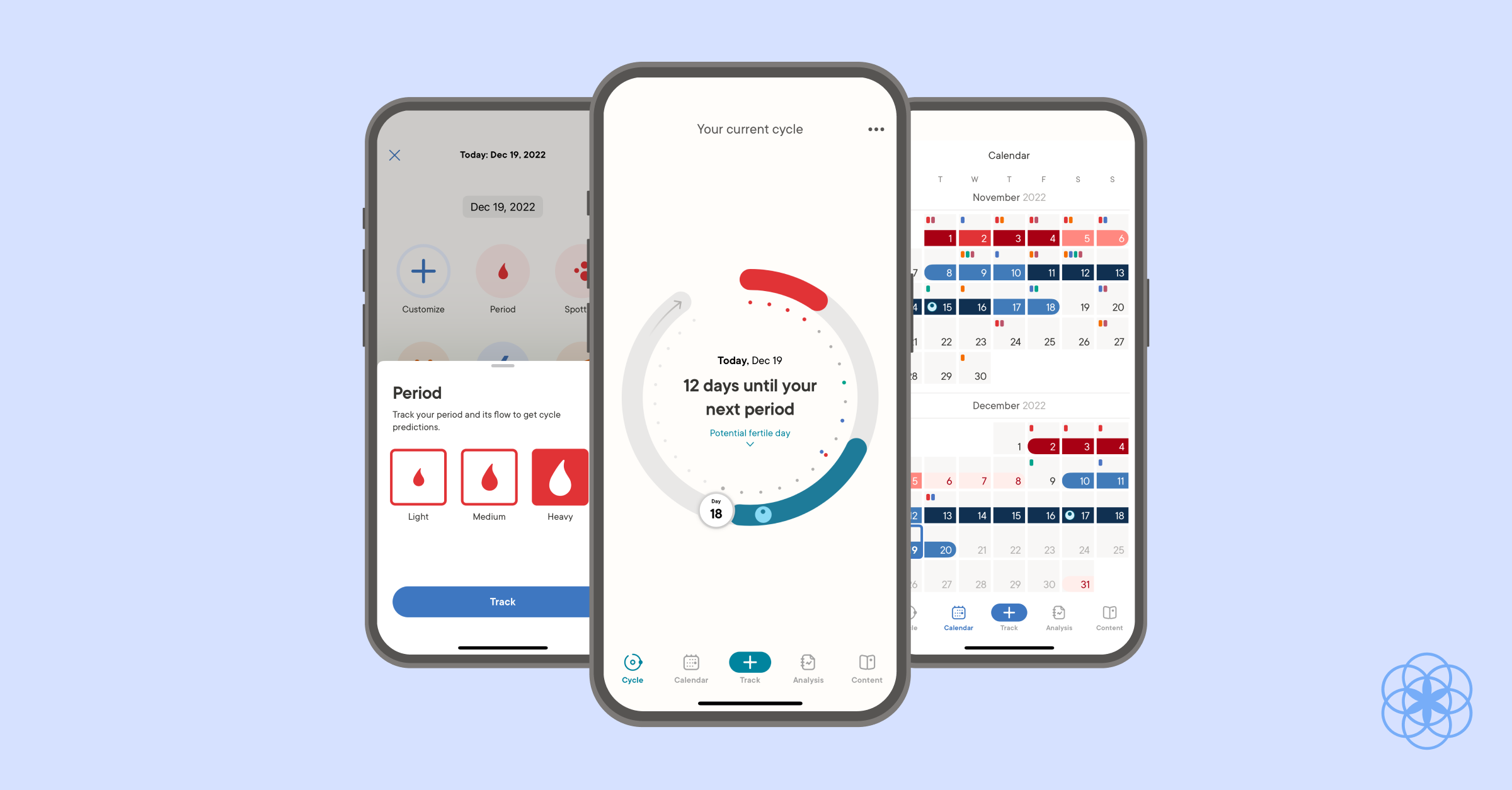
These steps come from each company’s own help and privacy pages, linked at the end. Menus move as apps update, so if a step does not match your screen, search the app’s settings for "privacy".
Flo: Anonymous Mode
Flo says Anonymous Mode lets you use the app without your name, email or internet address linked to your health data, and that it is free for everyone.
1. Open Flo and tap your avatar in the top left corner.
2. Tap "View profile".
3. Choose "Anonymous Mode" and read how it works.
4. Tap "Use Anonymous Mode".
Read this first: Flo says it makes a new account and moves across your cycle data, deletes your old account, and that you cannot switch back. Features that need your identity, such as Partner Mode, stop working.
Clue: the privacy settings
Clue’s privacy policy says you choose, in the app’s privacy settings, whether your de-identified data is shared with research partners, used for analytics, and used for personal product recommendations, and that you can opt out of its advertising measurement there too. Open Clue, go to its privacy settings, and turn off anything you did not mean to agree to. Clue says you can change these at any time. On iPhone, Clue says you can also turn off its activity tracking in your iPhone’s Settings.
iPhone: which apps can see your cycle
1. Open the Health app and tap your profile in the top corner.
2. Under Privacy, tap Apps.
3. Tap each app and turn off any health category it does not need.
Apple says every app must explain why it wants your Health data and have a privacy policy, and that you can change what you share at any time. If you have shared data with family or friends, open the Sharing tab, tap the person, and tap Stop Sharing.
Android: Health Connect
1. On Android 14 and up, open Settings, then Security and privacy, Privacy controls, Health Connect. On Android 13 and lower, open Health Connect from Settings, Apps.
2. Tap App permissions.
3. Turn off any app that does not need your data, or untick the kinds of data it should not see.
Google says an app you connect can read data from the last 30 days as well as anything new, and keeps its own copy of what it shared.
Leaving an app
Deleting the app from your phone does not delete your account. Flo says you can delete your account and all its data from inside the app, and export a copy first if you want one. Do that before you remove it.