
Worked example
Worked example: a wrist mount for a depth sensor
A parametric mount that sits on the wrist and holds a small distance sensor, a microcontroller board and a coin vibration motor. A maker project, not a medical device.
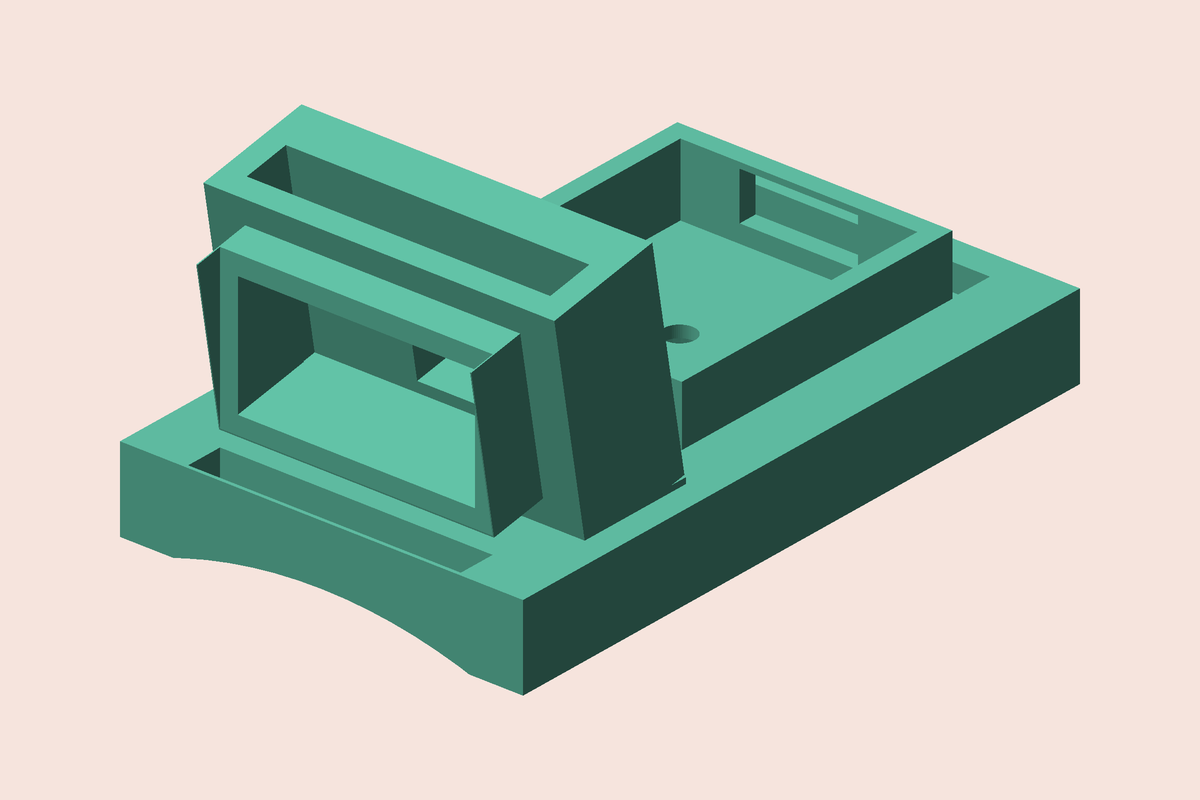
The part
- Size
- 56 x 34 x 26.1 mm
- Solid volume
- 14.12 cm³ (your slicer shows the grams at your infill)
- Strap
- Two slots for a 22 mm watch strap
- Holds
- An ESP32-C3 SuperMini sized board (22.5 x 18 mm), a VL53L5CX breakout (about 25 x 15 mm) tilted 10 degrees down behind a window, and a coin vibration motor against the skin
- Fits
- Every printer on our list; the smallest bed is 180*180*180 mm³
Files
Shared by our founder for personal making. Ask before selling prints of it.
Make it fit you
Open the script
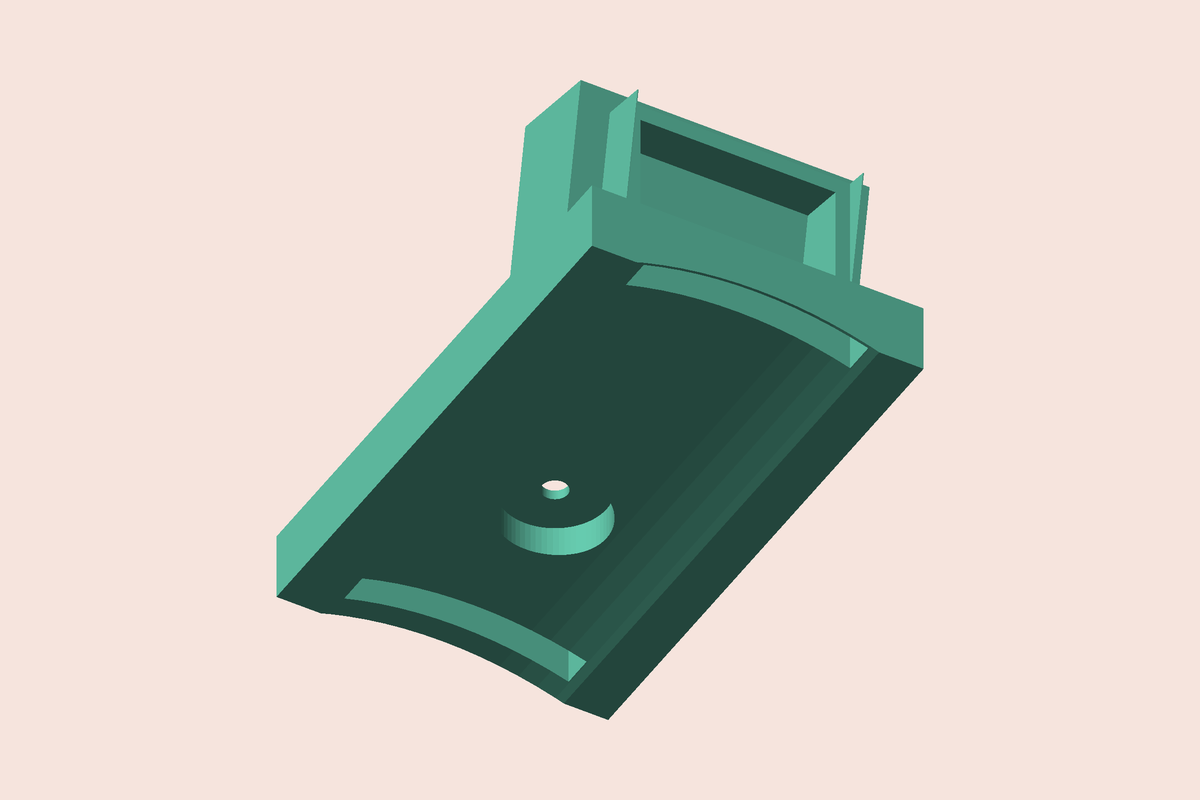
Every size is a named number at the top: the wrist curve (WRIST_R, 40 mm), the strap slot (STRAP_W, 23 mm), the board pocket and the tilt (TILT_DEG, 10).
Change what fits you
Measure your wrist and strap, change those numbers, and run it with Python, numpy, trimesh and manifold3d. It writes a new STL and 3MF.
Slice it
Lay the curved underside down with supports where the slicer suggests them, or print the file as it is first to check the fit.
Source: Prusa Knowledge Base (Maker's guide)Print, fit, repeat
Try it on, change one number, print again. That loop is how parametric design works.
A maker project
This is a mount for parts you choose and wire yourself. It is not a medical device and has not been assessed as one.
Sources
Each page was opened by our page reader on the date shown. Pages change: check the source before you rely on it.
- First print with PrusaSlicer. Prusa Knowledge Base. Maker's guide. Read 10 November 2026.